01 / SCAN
Check before you trust.
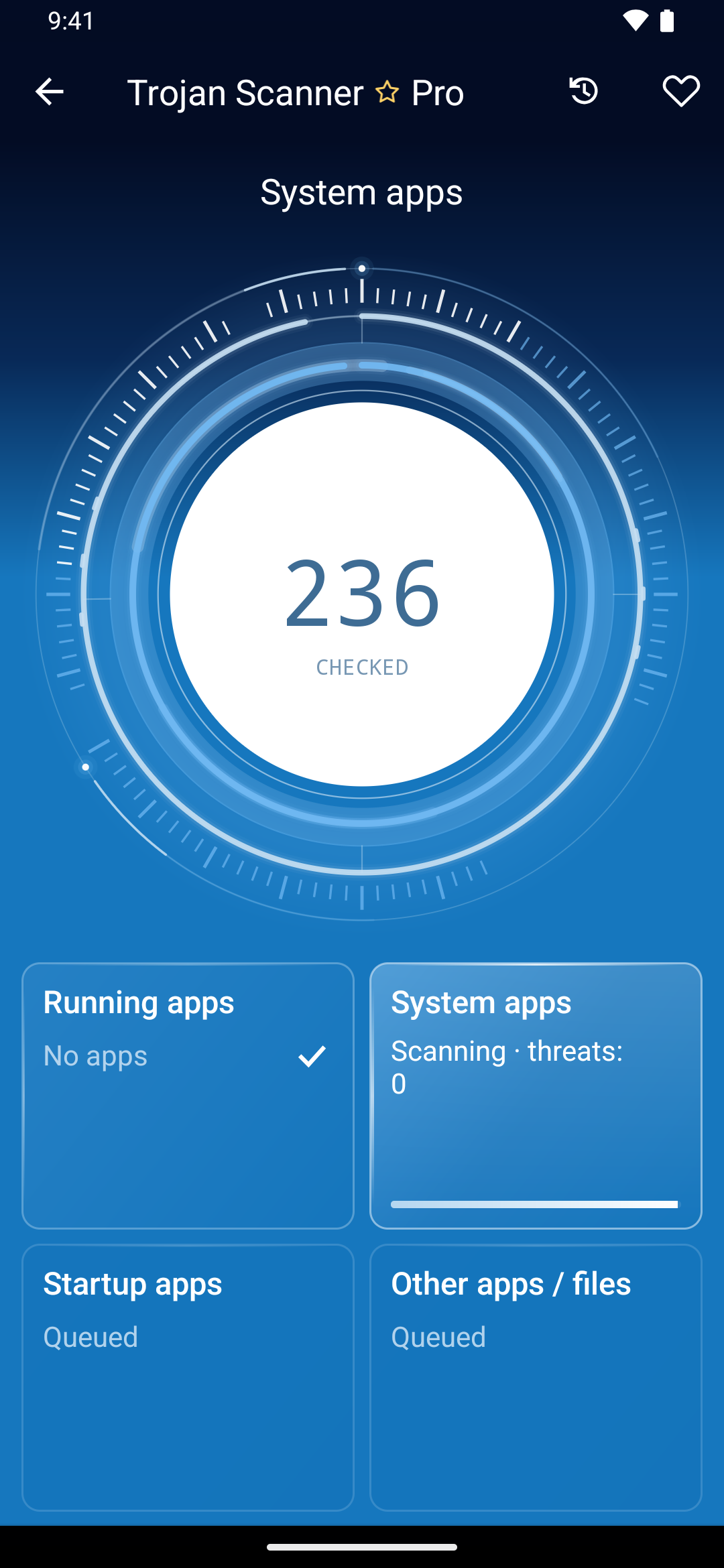
Scan installed apps and supported downloads. Check a file, APK or archive before you open it.
 Trojan ScannerBY GRIDINSOFTGet the app
YOUR ANDROID. YOUR RULES.
Free malware scans.
More insight with Pro.
Check installed apps, APKs and archives for known threats. Review findings, see what changed, and choose what stays.
Free scans. No subscription required.
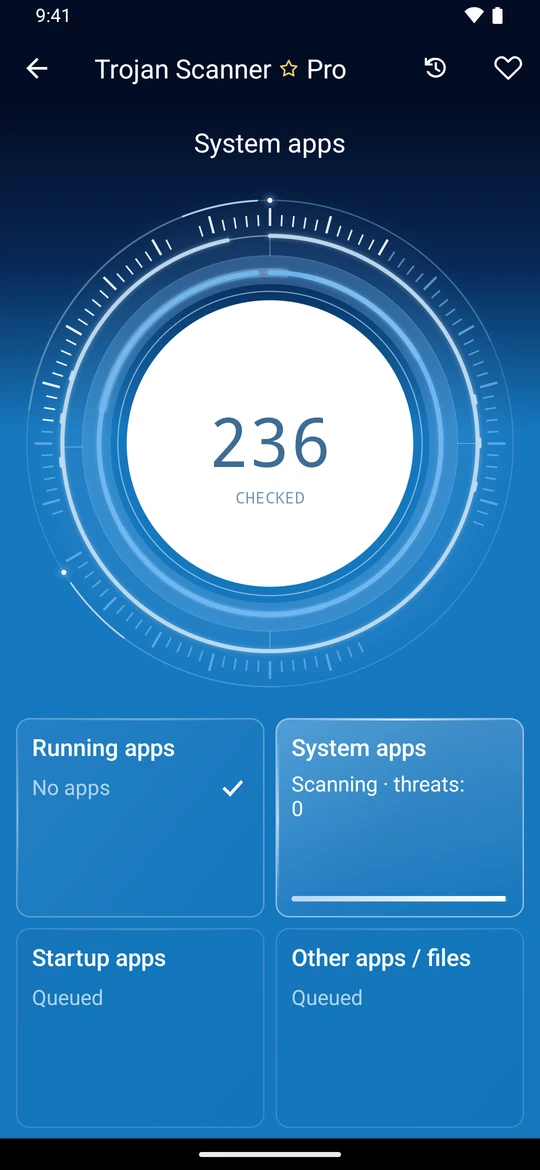
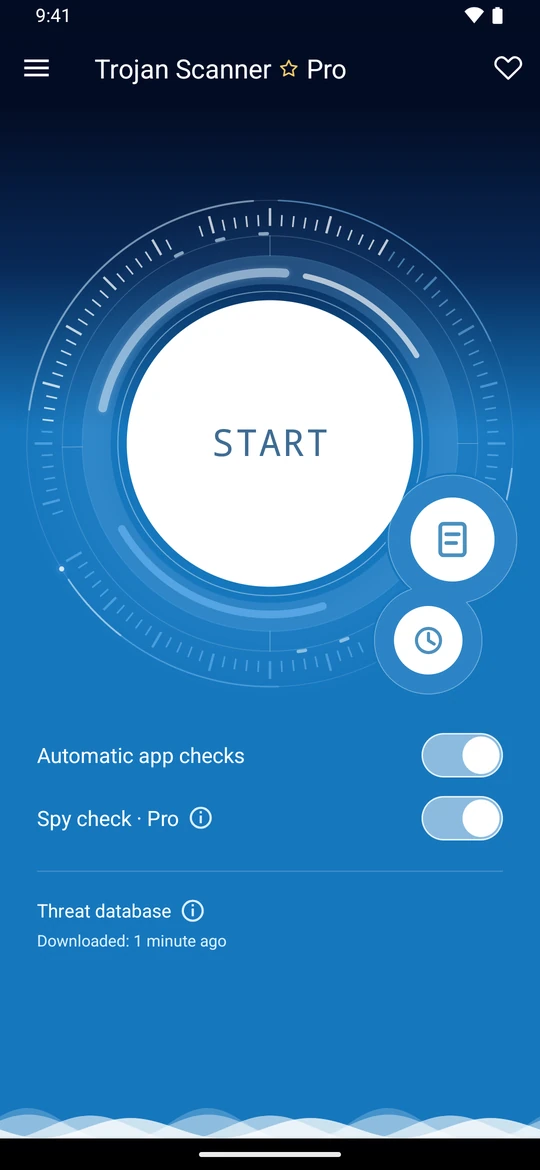
The Pro look. Free scanning at its core.
POWERFUL FROM THE START · FREE
Check apps and downloads, understand findings, and see what changed. Everyday tools that stay free.
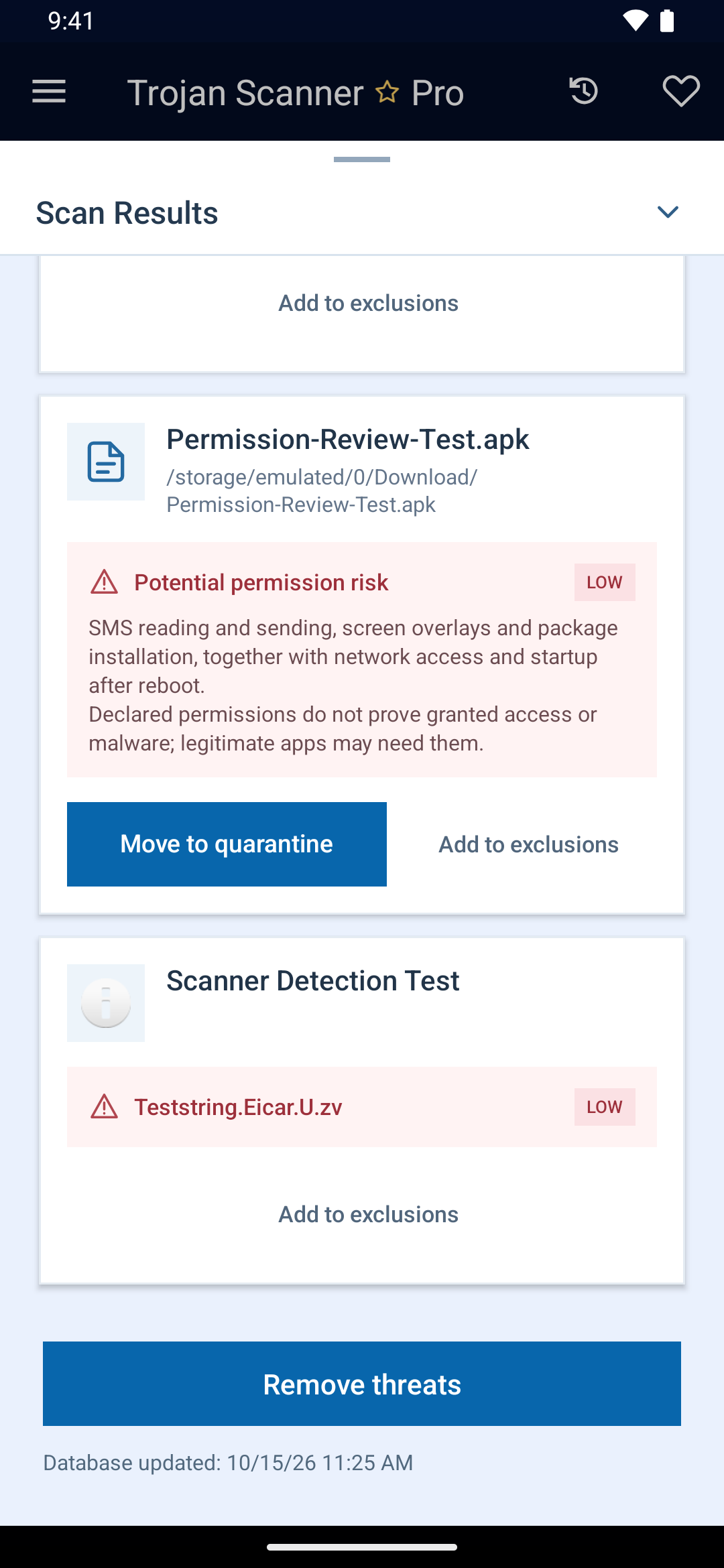
Scan installed apps and supported downloads. Check a file, APK or archive before you open it.
See why an item needs attention. Choose what to remove, skip or exclude. App and file removal asks for confirmation.
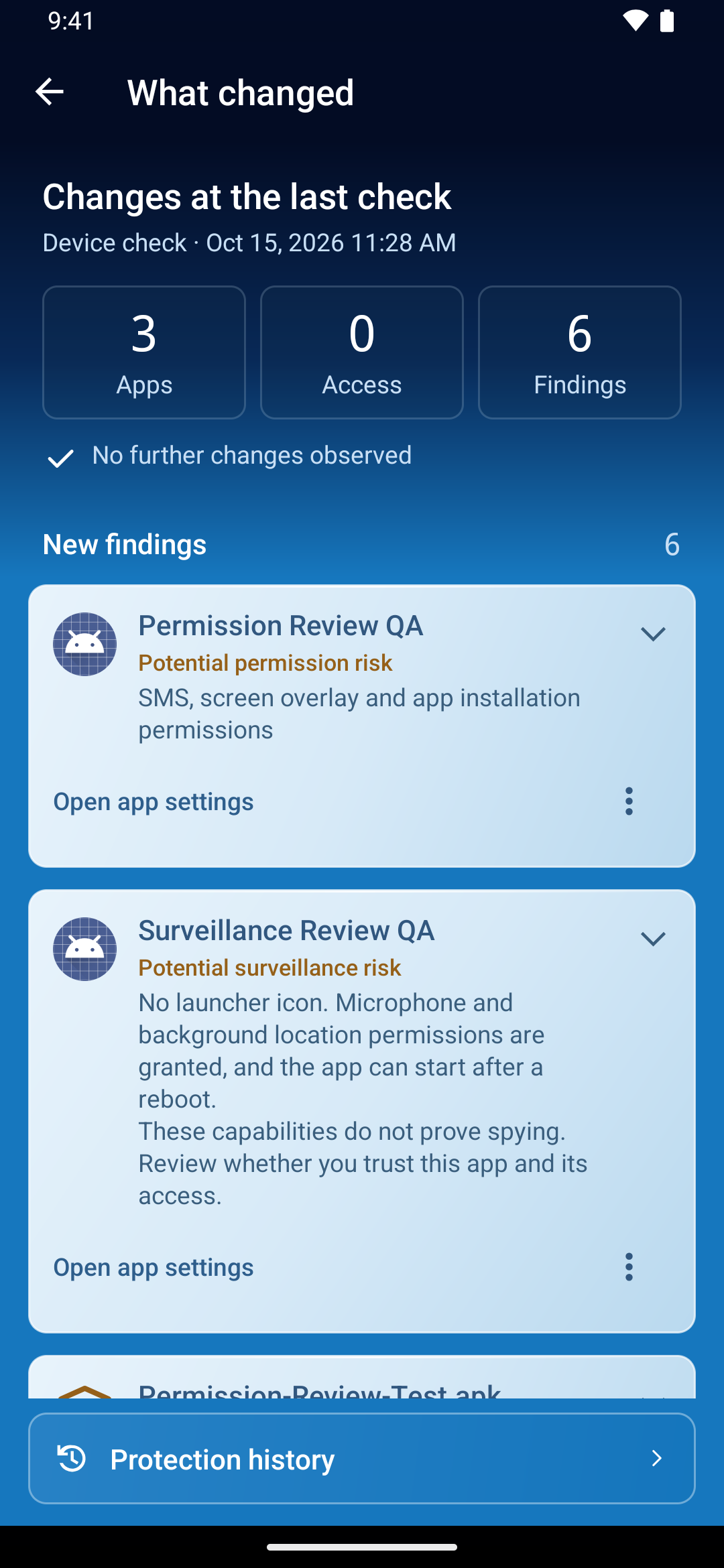
Review Protection history and changes in apps and special access. Keep automatic checks of new and updated apps on.
Manual database updates and optional cloud checks of files and app domains. Cloud checks need a free Gridinsoft account and your consent.
Cloud checks and your dataEnglish guideScreens show the Pro interface. Scanning, history and What changed are also available in Free. Detection examples use harmless test samples.
TROJAN SCANNER PRO
A closer look at privacy risks. Fewer checks to remember. Four reasons to make Pro your next step.
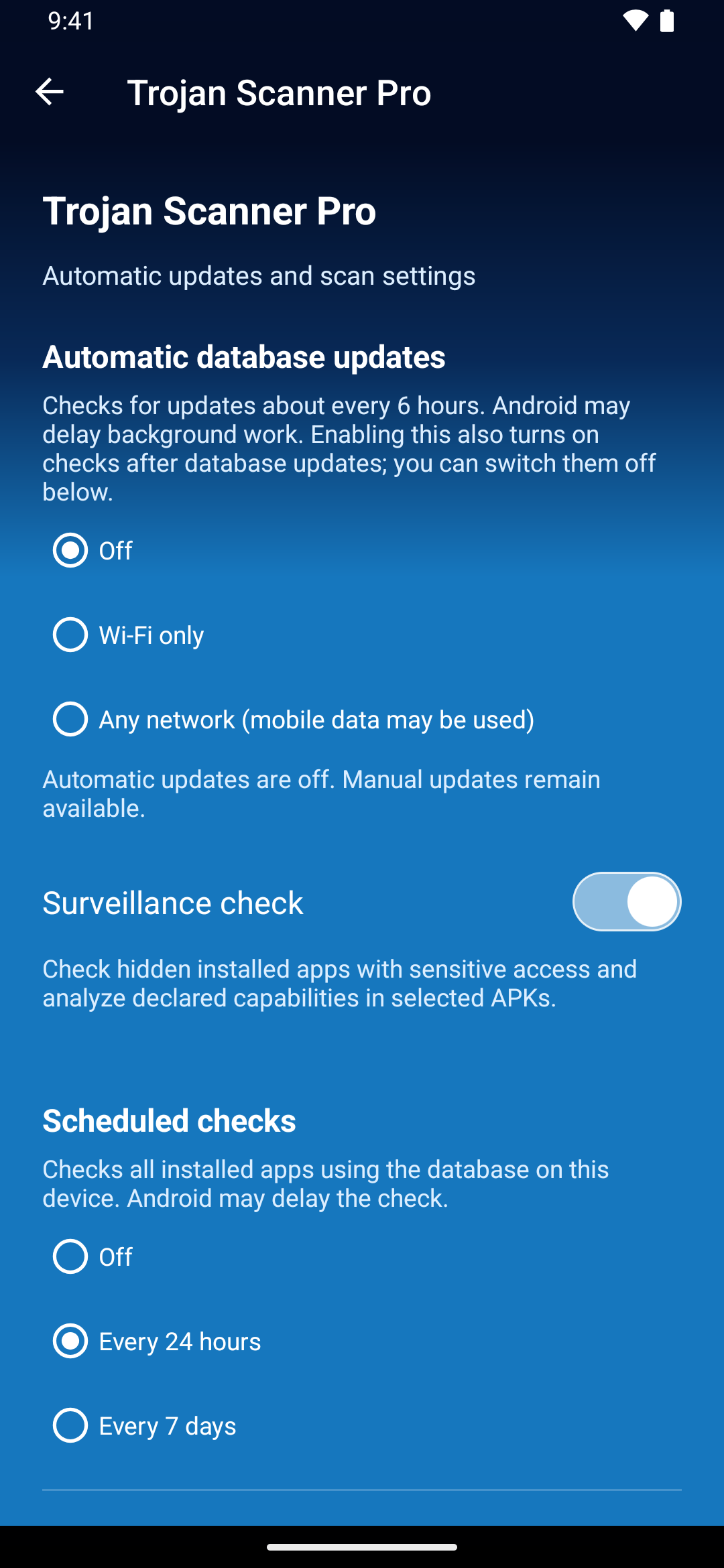
Highlight hidden apps with suspicious combinations of sensitive capabilities. Enable Anti Spy for a deeper privacy review.
Understand Anti SpyEnglish guideShare or paste an unfamiliar link to check its domains for phishing, scams and known malicious resources.
Check a suspicious linkEnglish guideSchedule installed-app scans around your routine. Let Pro handle the regular checks you might forget.
Set up scheduled scansEnglish guideEnable automatic threat database downloads. Choose Wi-Fi only or allow mobile data.
Choose update settingsEnglish guideAnti Spy findings are potential risk signals, not proof of spying. Android may delay background work.
Get Trojan Scanner ↗A CLEAR CHOICE
Useful protection from day one. Extra privacy insight and automation whenever you’re ready.
| Your features | FreeReady for your first scan. | ProEverything in Free. And more. |
|---|---|---|
| App, file & archive scans | ✓ | ✓ |
| New & updated app checks | ✓ | ✓ |
| History & What changed | ✓ | ✓ |
| Optional cloud checks | ✓ | ✓ |
| Advanced Anti Spy | — | ✓ |
| Suspicious link checks | — | ✓ |
| Scheduled app scans | — | ✓ |
| Automatic threat database updates | — | ✓ |
Optional cloud checks require a free Gridinsoft account and separate consent. Manual scans and manual database updates work without an account.
One device. Annual subscription through Google Play. Your local price is shown before you confirm.
Renews automatically until cancelled in Google Play. No Gridinsoft account is required to buy Pro.
YOUR FIRST ANDROID MALWARE SCAN
No subscription or account needed for local scans. Start with the official app, then make an informed choice about each finding.
Install Trojan Scanner from Google Play. Open the app and let the initial threat database download finish.
Get it on Google PlayCheck your installed apps. Allow file access when offered if you also want to include supported downloads, APKs and archives.
Open each finding to see the reason. Choose what to remove, skip or exclude. Uninstalling an app or deleting a file needs your confirmation.
Yes. Manual scans, manual database updates and automatic checks of new and updated apps are free. Optional cloud APK and embedded-domain checks are also free after account sign-in and separate consent. Pro adds anti-spy checks, suspicious link checks, scheduled scans and automatic database updates.
Pro adds advanced anti-spy checks for hidden apps and suspicious combinations of sensitive access. It also checks shared or pasted links, schedules scans and automatically updates the threat database. Embedded-domain analysis and optional cloud APK checks do not require Pro; sign in to a free Gridinsoft account and enable them separately. Subscribe and manage your Pro subscription through Google Play.
Trojan Scanner helps identify suspicious or malicious apps. Review the findings and choose which apps to uninstall; Android asks you to confirm removal. System apps and threats outside Android’s app permissions may require additional steps.
Understand scan resultsEnglish guideNo scanner can guarantee that. A result with no known threats means no matching warning was found in the checks performed. New, hidden or unsupported threats can be missed.
Install Trojan Scanner from Google Play and open the Pro offer in the app. Google Play shows your local subscription price and handles payment. Pro is for one device and renews annually until cancelled. A Gridinsoft account is not required.
Yes. The official direct APK offers free scanning and has its own update channel. It may be a different version from Google Play. Install the Google Play version to purchase Pro.
Yes. Trojan Scanner is developed by Gridinsoft. Its product website is trojan-scan.com, and the official Android package is com.gridinsoft.trojanscanner on Google Play. For Windows, see Trojan Killer or Gridinsoft Anti-Malware.
YOUR PHONE. YOUR NEXT STEP.
Make your first scan a free one.
Get it on Google Play ↗Android 6.0 and later · No root required